


What Is Knowledge Base Software? 15+ Best Tools in 2026
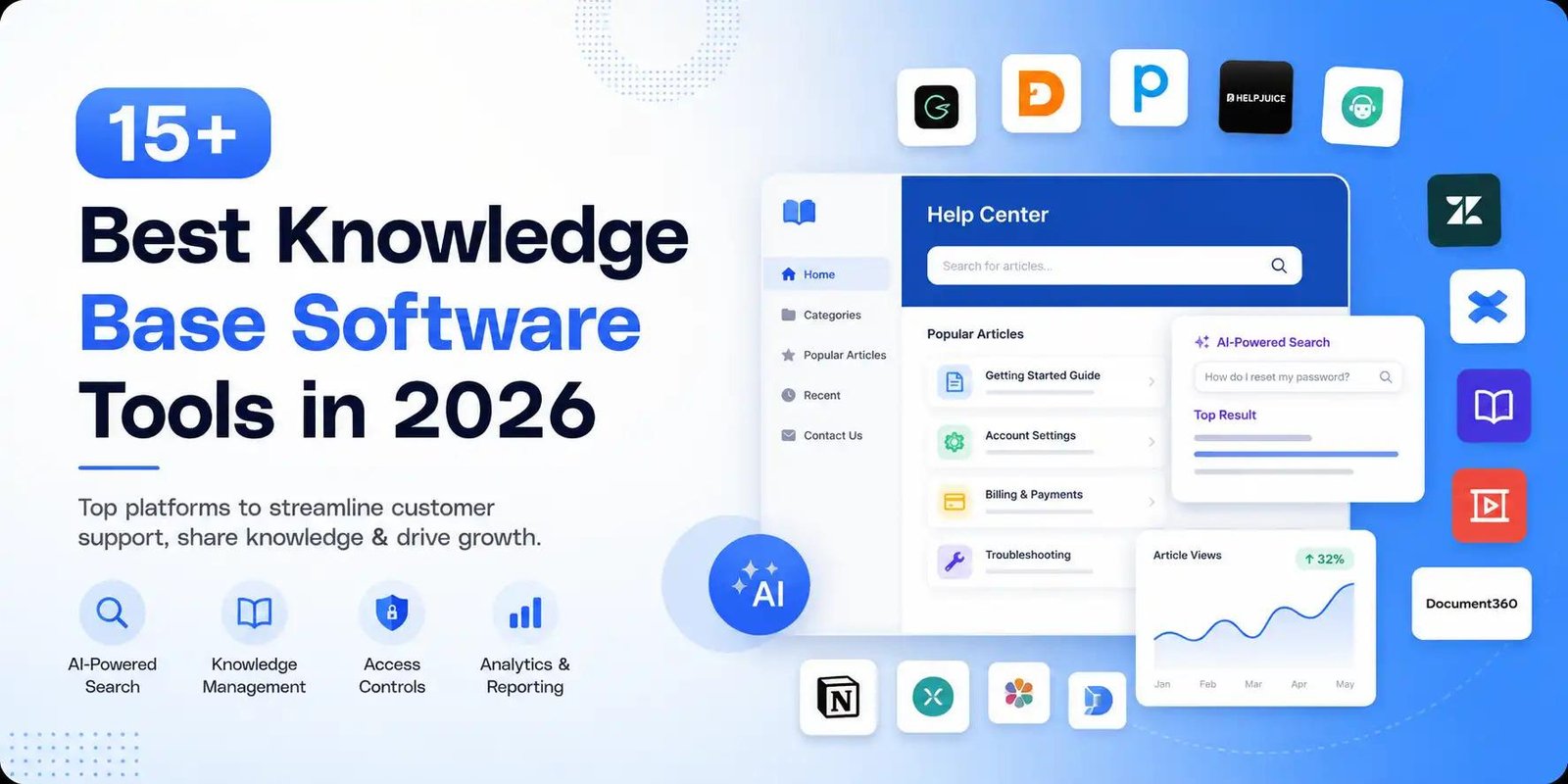
If you are wondering what is knowledge base software, it is a platform that helps businesses create, organize, manage, and share information in one centralized location. Companies use knowledge base software to store FAQs, product documentation, troubleshooting guides, internal processes, and other useful resources.
A well-designed knowledge base can improve customer support, reduce repetitive questions, help employees find information faster, and make knowledge management more efficient. In 2026, many knowledge base platforms also use AI-powered features to make searching and organizing information easier.
What Is Knowledge Base Software?
What is knowledge base software? Simply put, it is a digital system for creating and maintaining a searchable collection of information.
Instead of keeping important information across emails, spreadsheets, documents, and chat conversations, organizations can store everything in one structured knowledge hub. Customers can use it to find answers independently, while employees can access internal documentation and company resources.
Knowledge base software can support both internal knowledge bases and external customer-facing help centers.
Internal Knowledge Bases
Internal knowledge bases are designed for employees. They may include:
- Company policies
- Training materials
- Standard operating procedures
- Product information
- Troubleshooting documentation
- HR resources
- IT instructions
- Onboarding guides
External Knowledge Bases
External knowledge bases are created for customers and website visitors. They commonly include:
- Frequently asked questions
- Product documentation
- Setup instructions
- Troubleshooting guides
- How-to articles
- Billing information
- Account management instructions
Why Is Knowledge Base Software Important?
Businesses generate large amounts of information every day. Without a central system, employees and customers can struggle to locate accurate answers.
Knowledge base software creates a structured environment where information can be organized and searched quickly.
For customer-facing businesses, this can significantly improve customer support. Customers can find answers without contacting an agent for every simple question, while support teams can focus on more complex issues.
For employees, centralized documentation can reduce repetitive questions and make onboarding easier.
Key Features of Knowledge Base Software
Different platforms offer different capabilities, but the best knowledge management tools generally include several important features.
1. Search and AI-Powered Search
Traditional keyword search helps users find articles based on specific terms. Modern platforms increasingly offer AI-powered search, which can understand natural-language questions and provide more relevant answers.
AI-powered search can make large knowledge bases easier to navigate and help users find information even when they do not know the exact wording used in an article.
2. Content Management
A knowledge base should make it easy to create, edit, categorize, and update articles. Content management features help teams keep documentation organized and accurate.
3. Access Controls
Access controls allow administrators to determine who can view, edit, or manage specific information. This is particularly important for internal documentation containing confidential company information.
4. Analytics and Reporting
Analytics and reporting help businesses understand how their knowledge base is being used. Teams can track popular articles, unsuccessful searches, page views, and content performance.
These insights can reveal where customers or employees are struggling and which documentation needs improvement.
5. Integrations
Many knowledge base platforms integrate with help desk systems, communication platforms, project management applications, and other business tools.
For example, Jira Service Management can be used alongside knowledge management workflows to help support and IT teams connect documentation with service requests.
Knowledge Base Software vs. Task Management Software
Knowledge base software and task management software serve different purposes.
Task management platforms focus on organizing work, assigning responsibilities, setting deadlines, and tracking project progress.
Knowledge base software focuses on storing and sharing information.
However, the two can work together. A company might use task management software to assign a documentation update while storing the final procedure in its knowledge base.
How Knowledge Bases Support Incident Response
Knowledge bases can also play an important role in incident response.
IT and technical teams can document troubleshooting procedures, known problems, recovery steps, escalation processes, and post-incident lessons.
During an incident, employees can quickly access documented procedures instead of searching through old conversations or scattered files.
After an incident, teams can update their documentation based on what they learned. Over time, this creates a valuable track record of solutions and operational knowledge.
15+ Best Knowledge Base Software Tools in 2026
Here are some popular knowledge base and documentation platforms businesses can consider in 2026:
- Document360 – Useful for creating structured product documentation and knowledge bases.
- Zendesk Guide – Designed for customer self-service and support documentation.
- Help Scout – Combines customer support capabilities with knowledge base functionality.
- Intercom – Offers help center and AI-powered customer support features.
- Confluence – Popular for internal documentation, collaboration, and team knowledge.
- Guru – Focuses on making company knowledge accessible within everyday workflows.
- Notion – Flexible for creating internal wikis, documentation, and knowledge hubs.
- Slab – Designed for organized team documentation and internal knowledge sharing.
- Document360 – Provides tools for creating and managing detailed documentation.
- Freshdesk – Includes knowledge base capabilities as part of its customer support platform.
- ClickHelp – Suitable for technical documentation and online help systems.
- KnowledgeOwl – Provides tools for building customer and internal knowledge bases.
- Helpjuice – Focuses on searchable knowledge bases and documentation analytics.
- GitBook – Popular for developer documentation and technical knowledge sharing.
- Happeo – Combines internal communications with knowledge-sharing capabilities.
- Tettra – Designed for organizing and sharing internal company knowledge.
- Docusaurus – An open-source option for creating documentation websites.
The right platform depends on your organization's size, budget, content requirements, integrations, security needs, and audience.
How to Choose the Best Knowledge Base Software
Before selecting a platform, consider the following factors:
Ease of Use
Your team should be able to create and update content without requiring extensive technical knowledge.
Search Quality
A strong search experience is essential. Look for platforms offering powerful search or AI-powered search capabilities.
Security
Check whether the platform provides appropriate access controls, permissions, authentication, and security features.
Integrations
Consider whether the platform integrates with your existing customer support, communication, project management, and IT tools.
Analytics
Good analytics and reporting can help you understand which content performs well and where users need additional information.
Scalability
Choose a system that can grow with your organization. As your business expands, the amount of documentation and number of users may increase significantly.
Best Practices for Building a Knowledge Base
Buying knowledge base software is only the first step. Your content strategy determines how useful the platform will become.
Start by identifying the questions customers and employees ask most frequently. Create clear articles that answer those questions directly.
Organize related information into categories and use consistent titles. Keep articles concise where possible and add screenshots, examples, or videos when they improve understanding.
Regularly review outdated content. Assign ownership to important documentation so someone is responsible for keeping it accurate.
Use analytics to identify articles that receive high traffic and searches that return poor results. These insights can help your team continuously improve the knowledge base.
Final Thoughts
Understanding what is knowledge base software is important for businesses that want to organize information, improve customer support, and make knowledge easier to access.
Modern knowledge base platforms go beyond simple documentation. Features such as AI-powered search, access controls, analytics and reporting, integrations, and automated assistance can help organizations create more useful knowledge management systems.
Whether you need customer-facing documentation, employee resources, technical guides, or incident response procedures, choosing the right knowledge base software can reduce repetitive work and help your team build a reliable, searchable source of information.

 English
 Arabic
 French
 Spanish
 Portuguese
 Deutsch
 Turkish
 Dutch
Dutch
 Russian
 Romaian
 Portuguese (Brazil)
 Greek
Greek